Quick Answer
A useful dental new patient welcome message confirms the next step, tells the patient what to prepare and gives one reliable way to contact the office. It should sound warm without making promises about treatment, coverage or appointment availability. The templates below cover email, text, phone follow-up and social media so a private dental practice can create one consistent welcome workflow.
This guide is designed for dental practice owners, office managers, treatment coordinators and front desk teams in the United States and Canada. Replace every bracketed field and verify office-specific details before sending.
What A Dental Welcome Message Needs To Do
The welcome message is not a full intake form. Its job is to reduce uncertainty between the first inquiry and the first visit. A strong message usually answers five practical questions:
- What has happened? Confirm that the inquiry, appointment request or booking was received.
- What happens next? Explain whether the office will call, send forms or confirm a time.
- What should the patient prepare? Mention identification, medication information, insurance details when applicable and previous records only when the office actually needs them.
- How can the patient get help? Provide the correct phone number, email or secure portal.
- What should remain private? Ask patients not to send sensitive health information through public comments or unsecured channels.
Dental New Patient Welcome Message Templates
1. Short Welcome Text After An Appointment Request
Welcome to [Practice Name]. We received your appointment request and our team will contact you by [timeframe] to confirm availability. Questions? Call [phone number]. Please do not send personal health information by text.
Use this when the online form is a request rather than a confirmed booking. The phrase “confirm availability” avoids accidentally promising a time that has not been reserved.
2. Text For A Confirmed First Visit
Hi [First Name], welcome to [Practice Name]. Your first visit is scheduled for [date] at [time]. Please arrive [number] minutes early and complete your forms here: [secure link]. Reply [approved response] or call [phone] if your plans change.
3. New Patient Welcome Email
Subject: Welcome to [Practice Name]—your first visit details
Hi [First Name],
Thank you for choosing [Practice Name]. Your appointment is scheduled for [date] at [time] at [address].
Before your visit, please [complete the secure forms / bring the requested information]. If you have questions about accessibility, directions or appointment preparation, call us at [phone number]. Treatment recommendations and costs are discussed only after the appropriate assessment.
We look forward to meeting you,
[Team or Coordinator Name]
[Practice Name]
4. Welcome Message When The Appointment Is Not Yet Booked
Thanks for contacting [Practice Name]. We are currently [accepting new patients / reviewing new patient requests]. A member of our team will call you from [phone number] to discuss the next available options. If you need urgent assistance, call the office directly rather than using social media.
5. Missed-Call Follow-Up
Hi [First Name], this is [Name] from [Practice Name]. We tried to reach you about your new patient inquiry. Call us at [phone] during [hours], or use [secure booking/contact link]. We will be happy to explain the next available appointment options.
6. Welcome Message For A Family Booking
Welcome to [Practice Name]. We received your request for [number] family appointments. Our scheduling team will contact you to review timing and the information needed for each patient. Please wait for confirmation before making travel or schedule changes.
7. New Patient Form Reminder
Your first visit with [Practice Name] is coming up on [date]. If you have not completed the new patient forms, please use this secure link: [link]. Contact [phone] if you need another format or help before the appointment.
8. First-Visit Social Media Caption
New to [city or neighbourhood]? A first visit at [Practice Name] begins with a conversation, an appropriate assessment and time for your questions. Learn what to expect and request an appointment at [link]. Please contact the office directly for personal health questions.
9. Welcome Message For A Referred Patient
Hi [First Name], welcome to [Practice Name]. We received your referral from [source, only when appropriate to state]. Our team will contact you to review the next step and available times. A referral does not by itself confirm an appointment.
10. Post-Booking “What To Expect” Email
Subject: What to expect at your first dental visit
Your first appointment is reserved for [date and time]. The visit may include [accurate high-level description], depending on your needs and the clinician’s assessment. Bring [verified items]. If your schedule changes, contact us at [phone] as early as possible so our team can help.
A Practical New Patient Communication Workflow
- Inquiry received: send a short acknowledgment immediately, but do not describe an unconfirmed request as a booked appointment.
- Human follow-up: a team member confirms the patient’s needs, contact details and suitable scheduling options.
- Booking confirmation: send the date, time, location, preparation instructions and cancellation route in one message.
- Forms and records: use approved secure systems for personal and health information.
- Reminder: send a concise reminder on the timing selected by the practice. See these dental appointment reminder message templates.
- First-visit follow-up: provide the correct next step without assuming treatment outcomes or asking for a public review tied to a positive experience.
The American Dental Association recommends making a strong impression during the initial call, collecting contact information and clearly explaining what the patient should expect next. Its patient intake guidance also emphasizes consistent office procedures rather than improvising a different process for every caller.
What To Customize Before Sending
- The practice name, address, phone number and office hours.
- Whether the booking is confirmed or still a request.
- The exact arrival time and any verified preparation instructions.
- The approved secure link for forms or patient communication.
- The office’s actual cancellation, late-arrival and emergency-contact procedures.
- Language and accessibility options the practice can genuinely provide.
Common Welcome Message Mistakes
- Sending too much information at once. Put the immediate action first and link to longer instructions.
- Using “booked” when a form only submitted a request. That creates avoidable scheduling disputes.
- Discussing coverage as if it were guaranteed. Benefits, eligibility and out-of-pocket amounts depend on the plan and treatment.
- Requesting sensitive information in ordinary text or social messages. Direct patients to an approved secure channel.
- Sounding automated without being useful. Add one specific office detail and a reachable contact route.
- Failing to assign ownership. Every inquiry needs a person or queue responsible for the next action.
US And Canada Privacy Notes
In the United States, use the practice’s HIPAA-compliant communication process when protected health information is involved. In Canada, privacy obligations may include federal PIPEDA requirements and applicable provincial health-privacy laws. Dental regulators can also set expectations for professional communications. For example, the Royal College of Dental Surgeons of Ontario advises dentists to protect patient privacy and maintain professional boundaries when using social media in its social media guidance.
This page provides workflow and copy examples, not legal advice. The practice should review its communication channels, consent process and retention rules with the appropriate privacy or compliance adviser.
Turn The Welcome Workflow Into Consistent Content
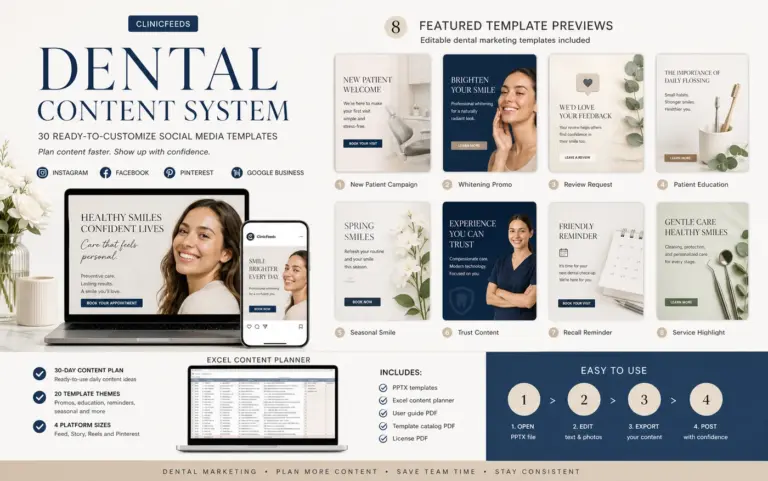
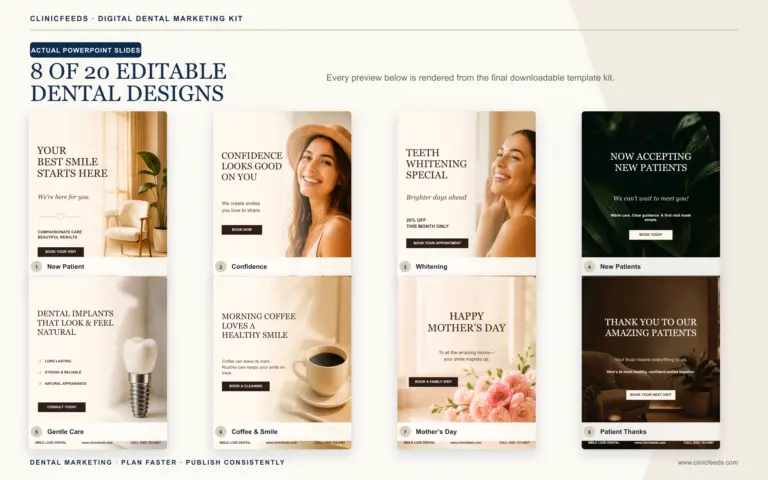
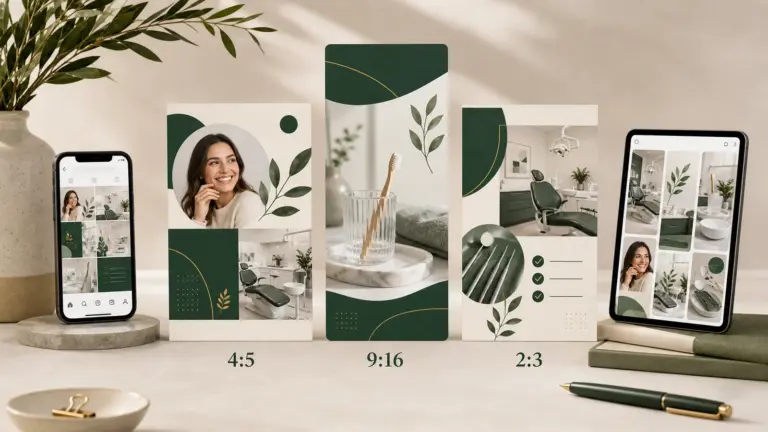
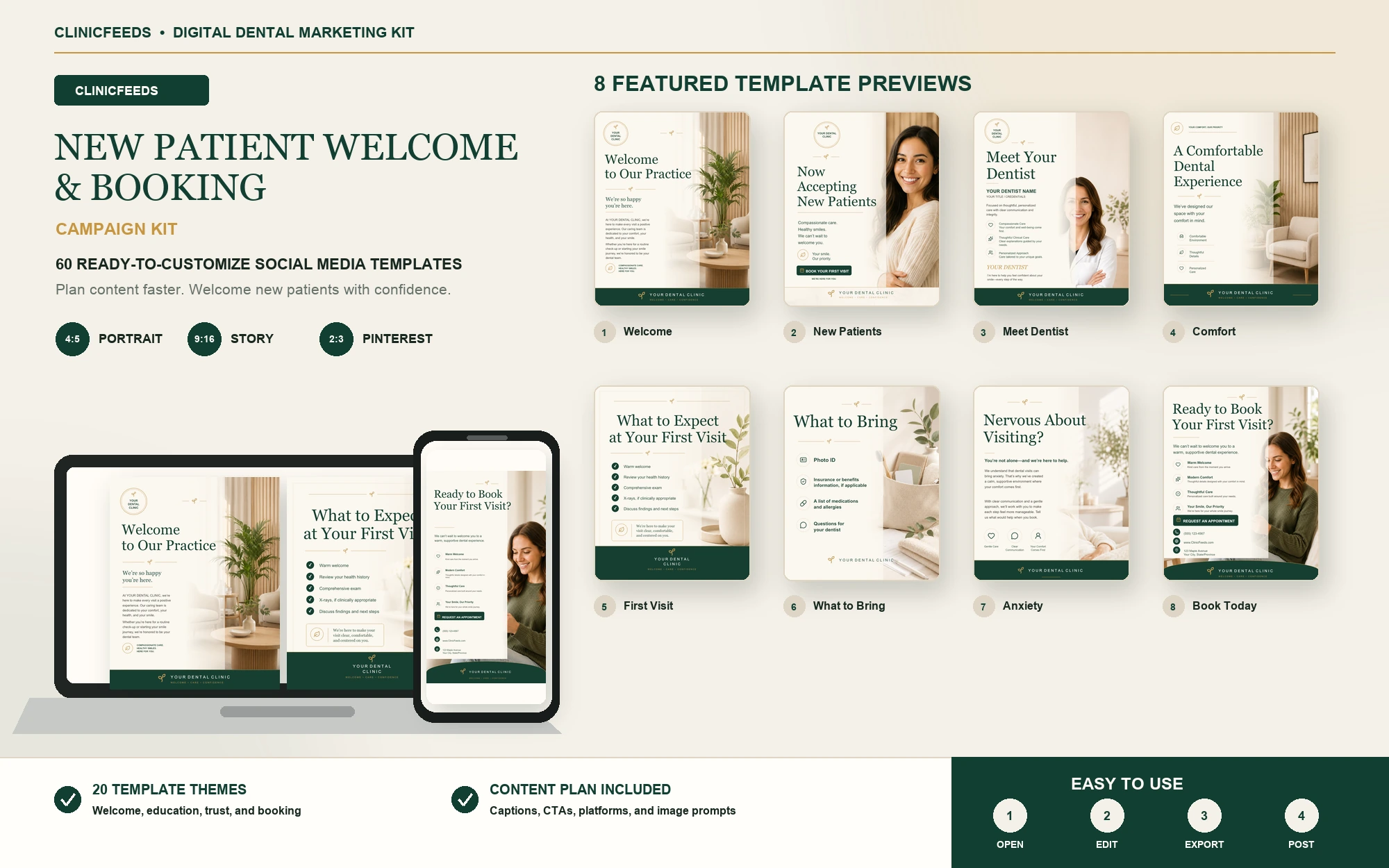
The New Patient Welcome Campaign Kit includes 60 editable PowerPoint pages in 4:5, 9:16 and 2:3 formats, an Excel content plan, caption and image-prompt fields, plus usage and license guides. It helps a dental practice introduce its team, first-visit process and booking path consistently. It does not schedule appointments, verify insurance or replace clinical and compliance review.
For broader planning, visit the Dental Social Media Content System or use the dental office phone script for new patient calls to align phone and digital communication.
Frequently Asked Questions
How Soon Should A Dental Office Send A Welcome Message?
Send an acknowledgment promptly when a patient submits an inquiry. If the appointment is not yet confirmed, say so clearly and give a realistic follow-up timeframe.
Should A Welcome Text Include A Booking Link?
Yes, when the link leads to the practice’s approved secure scheduling or contact process. Do not use a link that suggests a time is guaranteed before the office confirms it.
Can A Dental Office Mention Insurance In The Welcome Message?
It can explain what information to bring or how the office handles benefit questions, but it should not promise coverage or a final patient cost before verification and treatment planning.
Can These Messages Be Automated?
Routine acknowledgments and reminders can be automated when the system and workflow meet the practice’s privacy requirements. A team member should still own exceptions, unanswered questions and scheduling decisions.
Should The Message Ask For Medical History?
Direct patients to the approved secure intake process. Avoid collecting health information through public comments, ordinary social messages or other channels the practice has not approved.
Sources And Review Notes
Last reviewed: July 23, 2026.