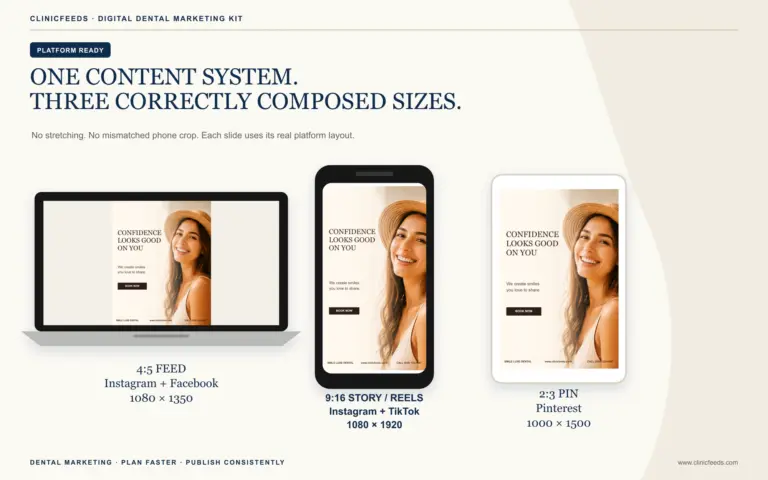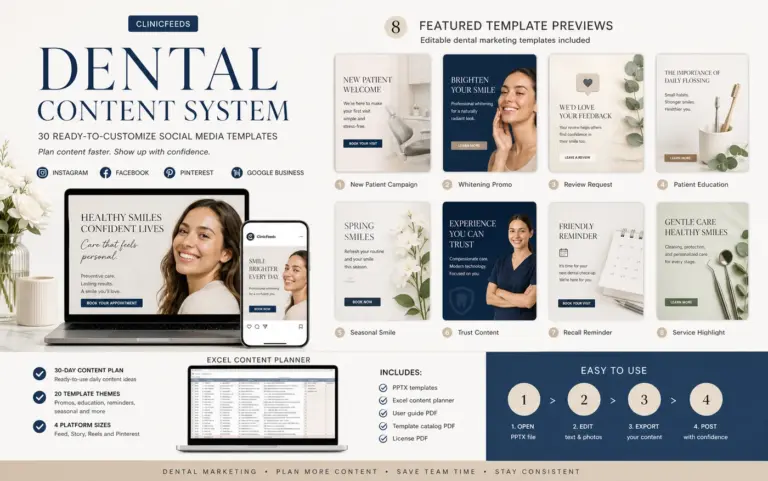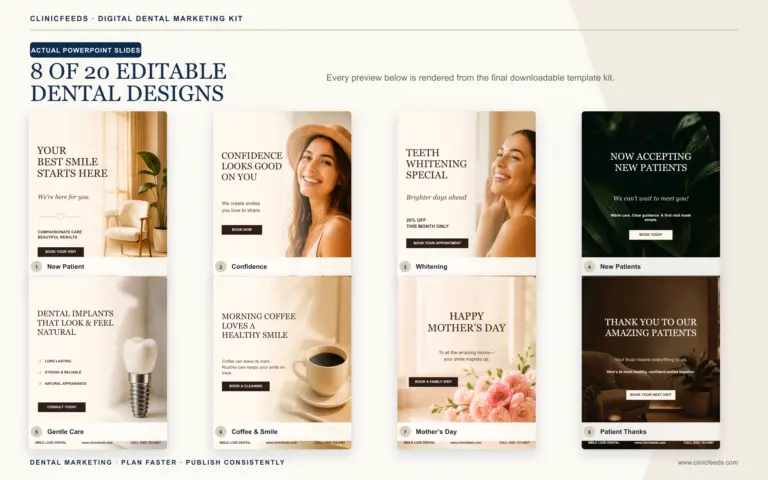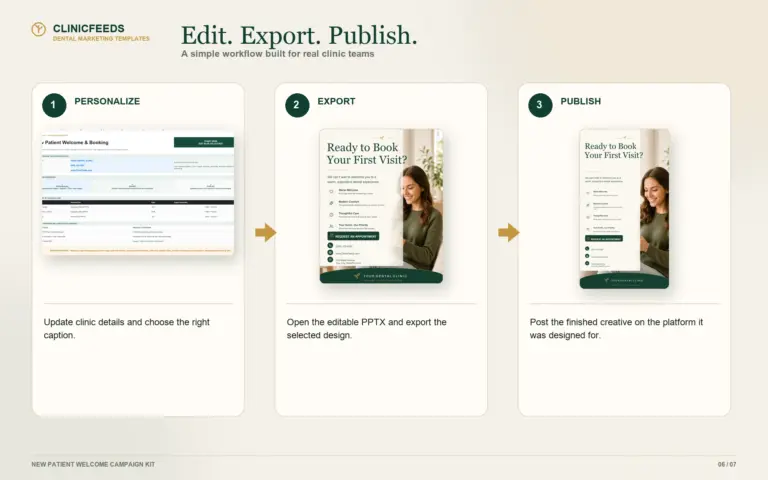
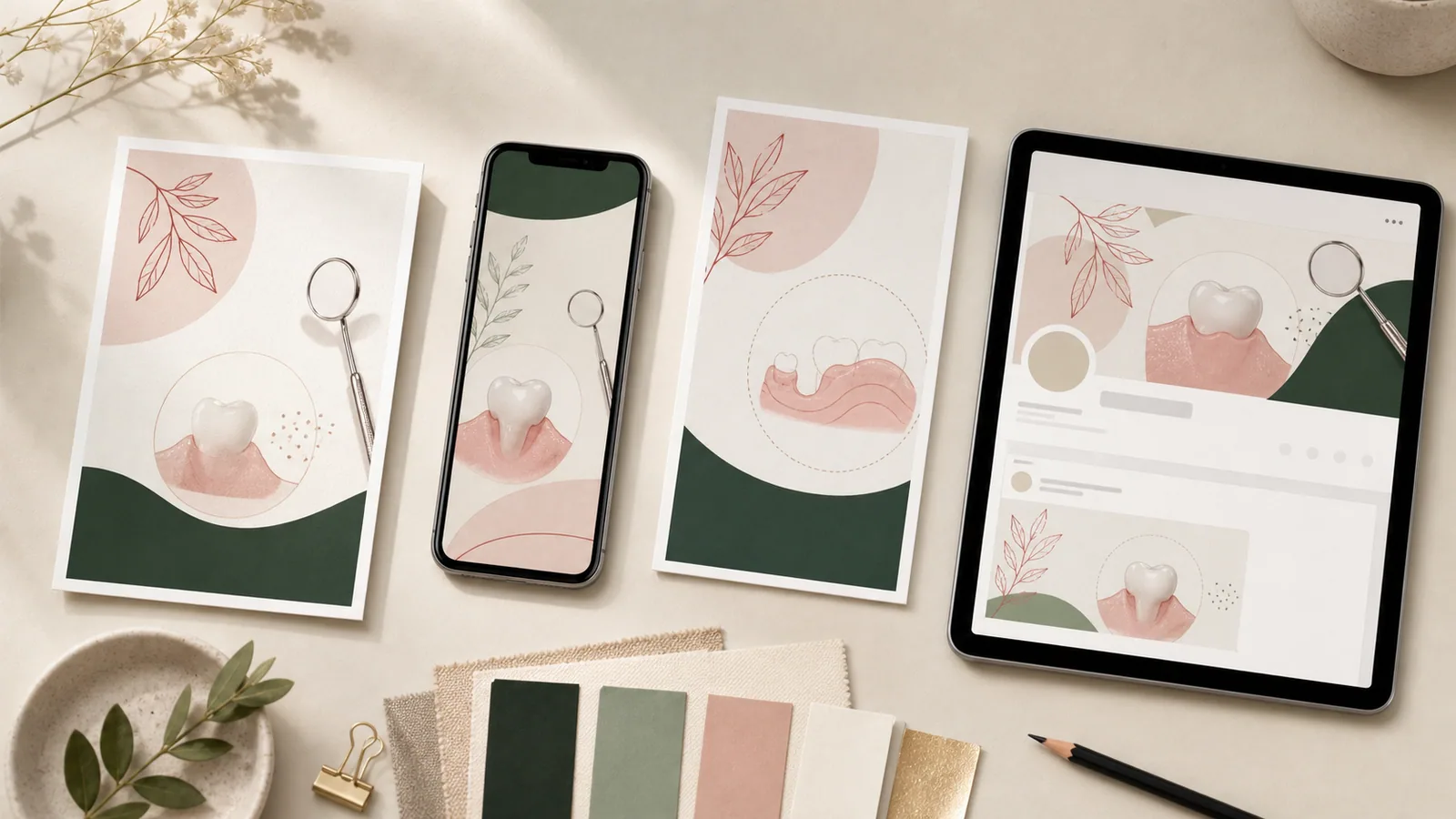
Repurposing does not mean pasting the same square graphic and caption onto every account. It means starting with one approved patient question, then changing the framing, canvas and next step for the way people use each platform.
Quick Answer
Choose one clinically reviewed message. Build a 4:5 educational feed post, adapt it into a 9:16 Story sequence, give Facebook enough local context to make the post useful, and turn the evergreen part into a 2:3 Pinterest Pin. The topic stays consistent; the presentation and CTA change.
Example topic: “Why are my gums bleeding?”
This is a useful content topic because patients ask it, but the practice should not diagnose the reader. The core approved message might be:
Bleeding gums are worth mentioning to your dental team. Several factors may be involved, and an individual assessment is the appropriate way to understand what is happening.
That sentence becomes the source material. Every platform version should stay within its clinical boundary.
Instagram feed: make the point easy to save
Canvas: 4:5 portrait
Job: Explain one idea clearly
Suggested structure:
- Headline: “Bleeding Gums Are Worth Mentioning”
- Supporting line: “Do not ignore a recurring change in your gums.”
- Three prompts:
- Notice when it happens.
- Avoid self-diagnosing from a post.
- Ask your dental team for individual guidance.
- CTA: “Save this reminder for your next visit.”
Instagram supports portrait images within its accepted aspect-ratio range, and the ClinicFeeds 4:5 file is designed for a feed-first presentation. Keep essential text away from the edges and review the exported image on a phone before scheduling.
Instagram Story: turn the explanation into a sequence
Canvas: 9:16 vertical
Job: Move the viewer through one question quickly
- Frame 1: “Do your gums bleed when you brush?”
- Frame 2: “It is worth mentioning—especially if it keeps happening.”
- Frame 3: “A dental professional can assess your individual situation.”
- Frame 4: “Have a question before your next visit? Contact the office.”
The official Instagram guidance allows Reels up to the full 9:16 vertical format. A static Story sequence can use the same canvas even when the practice is not recording video.
Facebook: add the context a local patient needs
Canvas: 4:5 portrait
Job: Start a useful local conversation and direct the reader to the right place
Sample caption:
Noticing bleeding when you brush or floss? It is easy to assume there is one simple cause, but a social post cannot assess your individual situation. Make a note of when it happens and mention it to your dental team. If you are due for an appointment or have a question about scheduling, use our contact page to reach the office.
The image can remain close to the Instagram version, but the caption should include the clinic's actual process. Do not add a phone number, booking promise or urgent-care statement unless the practice has verified it.
Pinterest: turn the topic into an evergreen reference
Canvas: 2:3 vertical
Job: Match a planning or education search and earn a save or website visit
Pin title: Bleeding Gums: What to Notice Before Your Dental Visit
Pin text: A simple reminder to track when bleeding occurs, avoid self-diagnosis and ask a dental professional for individual guidance.
Destination: A relevant patient-education page on the practice website—not the homepage.
Pinterest recommends a 2:3 aspect ratio, high-quality vertical creative and descriptive titles, descriptions and destination URLs. It also advises against repeatedly uploading duplicate Pins. Change the headline or visual focus when reusing an evergreen topic later.
A 45-minute repurposing workflow
Minutes 0–5: select the source question
Use a question the practice actually hears. Confirm that the topic supports the month's appointment priorities without turning the post into a hard sell.
Minutes 5–15: approve the core message
Write two or three sentences that are accurate, understandable and appropriately limited. Have the designated clinical reviewer approve this source copy before the designer creates four versions.
Minutes 15–30: adapt the layouts
- Put the clearest teaching point in 4:5.
- Break the sequence into 9:16 frames.
- Add local operational context for Facebook.
- Use an evergreen, search-led title for 2:3 Pinterest.
Minutes 30–35: add a platform-specific CTA
Do not use “Book now” by default.
| Reader situation | Better next step |
|---|---|
| Learning | Save this checklist |
| Comparing practices | Read what to expect at a visit |
| Existing patient with a question | Contact the office |
| Interested in a service | Learn about the consultation process |
| Ready to schedule | Request an appointment |
Minutes 35–40: complete the practice review
Check patient privacy, image rights, clinical wording, offer terms, date, URL and mobile legibility.
Minutes 40–45: name and schedule the files
Use filenames the team can find later:
gum-bleeding-education-instagram-feed-4x5.pnggum-bleeding-education-instagram-story-9x16.pnggum-bleeding-education-facebook-4x5.pnggum-bleeding-education-pinterest-2x3.png
Record the publish date, platform and destination URL in the content planner.
Measure each version by its job
Do not expect every platform to produce the same signal.
- Instagram feed: saves, shares, profile activity
- Stories: completion, replies, link taps where available
- Facebook: meaningful comments, link clicks, messages
- Pinterest: saves, outbound clicks and long-tail discovery
- Practice outcome: calls, forms, appointment requests and attended visits linked to the content path
Review the full route. A useful post can still fail commercially if the link opens an unrelated homepage or the booking option is difficult to find.
Use a multi-size dental campaign as the starting point
The Dental Hygiene & Gum Health Social Media Campaign Kit includes 20 hygiene themes prepared in 4:5, 9:16 and 2:3 PowerPoint layouts, plus an Excel content plan, captions, CTAs and image prompts. Customize the practice details and imagery, then complete the clinic's own clinical, privacy and advertising review.
For broader planning, see the Dental Social Media Content System and the 30-day dental social media content calendar guide.
Frequently asked questions
Can a dental practice use the same post on Instagram and Facebook?
It can reuse the same approved topic and sometimes the same 4:5 visual, but the caption and CTA should reflect the platform and the practice's goal. Identical copy is convenient, not automatically useful.
What dental post size works for Instagram and Facebook?
A 4:5 portrait file is a practical feed format for both. Preview the final post on each platform because interfaces and cropping can change.
What size should a Pinterest dental Pin be?
Pinterest recommends a 2:3 vertical aspect ratio for high-quality Pins.
Does repurposing create duplicate content?
Reusing a topic across social platforms is normal. Avoid repeatedly publishing identical Pins or posting the same message with no platform-specific value.
Should every dental post link to a product or appointment page?
No. Match the destination to the reader's stage. Education may link to a patient guide, while a new-patient or consultation post can link to the relevant appointment path.
Sources and review notes
- Instagram Help: Image Resolution and Supported Aspect Ratios
- Instagram Help: Reel Size and Aspect Ratios
- Pinterest Business: Pin Performance and Distribution
- American Dental Association: Marketing and Advertising
This article provides marketing workflow information, not clinical or legal advice. Platform requirements may change; verify current publishing guidance before production.
Last reviewed: July 27, 2026.