This guide is written for private dental practices in the United States and Canada. Adapt terminology, privacy procedures, advertising claims and patient communication to the federal, state, provincial and professional rules that apply to your practice.
Quick answer
A 30-day dental social media content calendar works best when it balances five content types: education, promotion, before-and-after or outcome-style context, trust-building, and reminders. This gives the practice a repeatable system instead of a random posting list.
A dental social media content calendar helps a practice balance education, services, trust, reminders, and campaigns over one month. Instead of choosing posts randomly, the team can assign each week a clear mix of patient-friendly topics, then prepare visuals and captions in batches before publishing through the clinic’s own channels.
Before choosing the monthly mix, connect the calendar to the wider patient journey using these dental office marketing priorities for local visibility, inquiry handling, reviews and appointment follow-through.
The problem a calendar solves
Many dental teams know they should post, but they do not have a practical system for deciding what goes out this week. A content calendar turns scattered ideas into an organized plan. It helps the office avoid posting only when someone remembers, and it keeps the message from becoming either too promotional or too generic.
A simple 30-day dental content framework
A useful month does not need thirty completely different campaigns. It needs a balanced rhythm. ClinicFeeds uses a five-part structure that can be adapted to different practices: education, promotion, transformation-aware storytelling, trust, and reminders.
Week 1: education and orientation
- Introduce a common patient question.
- Explain what happens during a visit or consultation.
- Share one preventive-care reminder in plain language.
- Introduce the office’s approach to clear patient communication.
Week 2: services and campaign context
- Introduce one service category, such as whitening or new patient care.
- Explain who should ask the clinic about that service without diagnosing online.
- Share a campaign post with accurate terms and a clear next step.
Week 3: trust and practice personality
- Post a team introduction.
- Share a clinic value such as comfort, clarity, or consistency.
- Request reviews in a neutral, compliant way.
- Show a privacy-safe behind-the-scenes moment.
Week 4: reminders and seasonal relevance
- Share a recall or appointment reminder.
- Mention a holiday or seasonal timing when relevant.
- Summarize one educational tip from earlier in the month.
- Invite patients to call or request an appointment through the clinic’s normal process.
How to choose the right mix
A private practice does not need the same ratio every month. A cosmetic-focused practice may use more consultation and service-awareness content. A family dental practice may use more recall, preventive care, and new patient orientation. The key is to keep the mix intentional.
- Start with the clinic’s real business priorities for the month.
- Choose two or three services or patient questions to emphasize.
- Add trust-building posts so the calendar does not feel like advertising only.
- Add reminders tied to real appointment or seasonal needs.
- Review the plan before creating graphics.
Example monthly distribution
- 8 patient education posts
- 5 service-awareness or campaign posts
- 4 trust-building posts
- 4 reminder posts
- 3 team or office culture posts
- 2 seasonal or local posts
- 4 flexible posts for announcements, reviews, or last-minute needs
How to map the calendar to real clinic priorities
Before filling the dates, decide what the practice actually wants the month to support. A clinic that needs more new patient awareness may emphasize orientation posts, team trust content, and service introductions. A clinic preparing for a whitening campaign may use education, expectation-setting, consultation prompts, and reminder posts. The calendar should support real practice priorities, not just fill empty spaces.
Use the Dental Social Media Templates page as the commercial hub for dental-specific resources, and browse Dental Marketing Kits when you need to confirm what is currently available.
Sample one-week publishing rhythm
- Monday: patient education carousel explaining one common question.
- Tuesday: Story reminder about appointment availability or office hours.
- Wednesday: trust post introducing a team member or care value.
- Thursday: service-awareness post tied to a real consultation topic.
- Friday: review request, seasonal reminder, or recap post.
How to prepare assets before the month starts
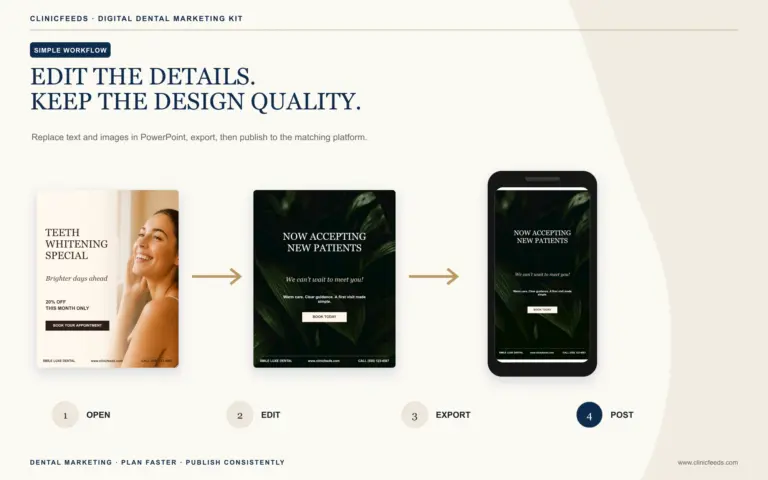
Once the topic map is approved, prepare the visuals and captions in one production block. This reduces the chance that content gets skipped when the office gets busy. Confirm the clinic phone number, booking link, offer details, provider names, and service wording before exporting the graphics. Keep a simple file naming system so the team can identify each post quickly.
The calendar should also include review status. Add a column for draft, reviewed, ready, and published. If a post includes service information or promotional terms, it should be reviewed before it is scheduled. If a post is general education, it still needs a quick accuracy check.
How to reuse a calendar without creating duplicate content
A good calendar can be reused, but it should not be copied month after month without changes. Keep the structure and update the examples. A first-visit post can become a “what to bring” post. A whitening consultation post can become a “questions to ask” post. A review request can become a trust post about how feedback helps the practice improve communication.
When the team is ready to plan beyond one month, use the 90-day dental social media plan to rotate everyday clinic, new-patient, and hygiene themes without treating every platform export as a separate topic.
Practical post examples for a balanced month
- Education: “What to expect during a new patient visit.”
- Service awareness: “Questions to ask before a whitening consultation.”
- Trust: “Meet the team member who helps patients feel prepared.”
- Reminder: “If it has been a while since your last appointment, contact the office to schedule.”
- Seasonal: “Before a busy travel week, make sure upcoming appointments are confirmed.”
These examples work because each post has one job. The education post reduces uncertainty. The service post explains a conversation. The trust post makes the office feel more familiar. The reminder post gives patients a practical next step. The seasonal post connects the clinic to a real timing issue without manufacturing urgency.
How to review the calendar before publishing
Before the month begins, review the calendar as a complete patient journey. A new visitor should not see only promotions. An existing patient should not see only generic tips. The calendar should show that the clinic educates, communicates clearly, invites appropriate action, and makes it easy to understand what the next step is.
Common mistakes to avoid
- Filling a calendar with thirty unrelated tips.
- Creating promotional posts without enough education.
- Writing captions before confirming the offer, service details, or call to action.
- Scheduling content that the clinic cannot support operationally.
- Copying a generic dental calendar without adapting it to the actual practice.
Implementation checklist
- Create a calendar grid for the month.
- Assign each post a theme before writing captions.
- Prepare images or templates in batches.
- Add clinic details, phone number, booking link, and offer terms where relevant.
- Review patient privacy and claims before export.
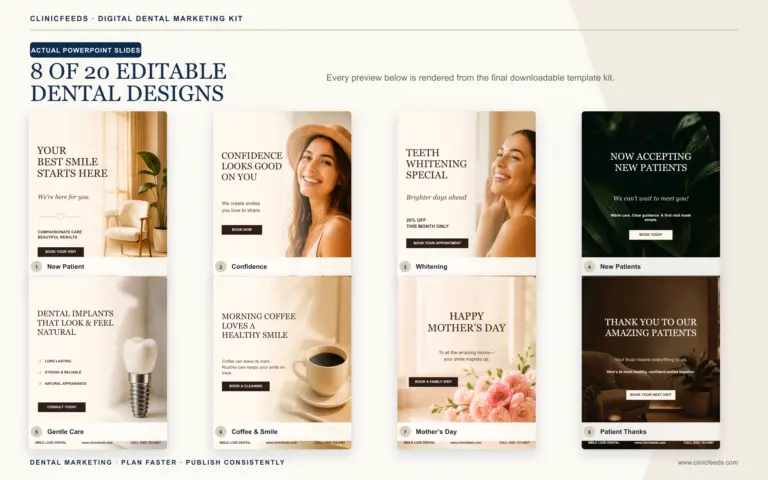
For a broader idea library, see 30 dental social media content ideas. If you want a ready-to-customize system, view the Smile Luxe Dental Social Media Template Kit.
Related reading
- See More Dental Social Media Content Ideas
- What Should a Dentist Post on Instagram?
- Dental Patient Education Post Ideas
- 30-Day Dental Implant Social Media Content Calendar
Compliance note
A calendar is a marketing planning tool, not a clinical protocol. Each post should be reviewed for accuracy, patient privacy, advertising rules, offer terms, and the clinic’s professional standards before publishing.
Use the ready-made dental content system
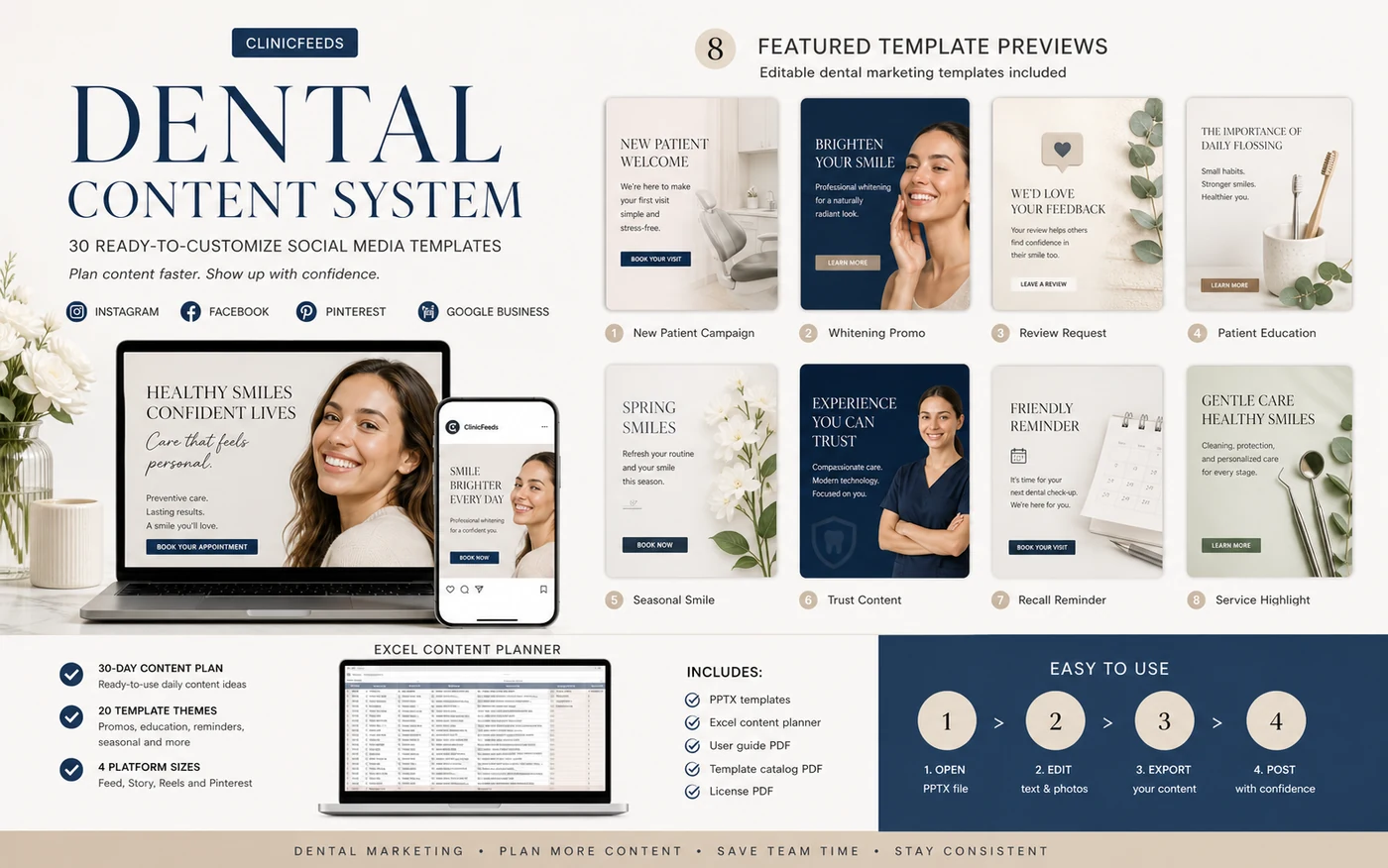
If your clinic wants the planning structure, editable social templates, captions, and delivery files already organized, view the Smile Luxe Dental Social Media Template Kit or browse the Dental Social Media Content System.
Frequently asked questions
What should a dental content calendar include?
A dental content calendar should include patient education, service awareness, review requests, reminders, seasonal campaigns, and team or practice trust content.
How do I plan one month of dental social posts?
Start with weekly themes, assign each post a purpose, prepare captions and visuals in batches, then customize appointment, offer, and location details before publishing.
Is a 30-day dental content calendar useful for small practices?
Yes. A 30-day calendar is useful for small practices because it reduces weekly decision-making and helps the front office or marketing coordinator post consistently.
For the front desk side of the workflow, use these dental appointment reminder messages and confirmation templates alongside the public content calendar.
Sources And Review Notes
- American Dental Association: Social Media Checklist
- HHS: HIPAA Guidance on Marketing
- RCDSO: Use of Social Media
Last reviewed: July 23, 2026.