Quick Answer
A dental review request should make it easy for a patient to share honest feedback without asking only for positive reviews, offering an incentive or revealing treatment information. Use a neutral invitation, a direct Google review link and a private contact route for support. The templates below cover text, email, QR cards, front desk conversations and review responses for private dental practices.
These examples are for dental practice owners, managers and front desk teams in the United States and Canada. They should be adapted to the practice’s privacy policies, platform rules and professional requirements.
What Makes A Review Request Appropriate
- Neutral: invite honest feedback rather than a “five-star review.”
- Consistent: use a documented process rather than selecting only patients expected to be positive.
- Voluntary: do not pressure the patient or connect care to leaving a review.
- Simple: link directly to the correct practice location’s review form.
- Private when necessary: provide a direct support channel for account, treatment or service concerns.
- Privacy-aware: do not identify a person as a patient in a public reply.
Google allows businesses to share a link or QR code that asks customers for reviews, but its guidance prohibits incentives for reviews and discourages selectively soliciting positive feedback. See Google Business Profile’s review guidance.
Dental Review Request Templates
1. Short Review Request Text
Thank you for visiting [Practice Name]. If you would like to share honest feedback about your experience, you can leave a Google review here: [direct link]. For private questions or support, contact us at [phone/email].
2. Review Request Text Without Mentioning The Visit
[Practice Name] welcomes feedback. Share an honest Google review here: [direct link]. Please do not include personal health information. For help with a private matter, call [phone].
This version can reduce the amount of contextual information in the message, but the practice should still use its approved communication and consent process.
3. Review Request Email
Subject: Share feedback with [Practice Name]
Hi [First Name],
Feedback helps our team understand the patient experience and improve how we communicate. If you choose, you can leave an honest Google review at [direct review link].
Please do not include personal health information in a public review. If you need assistance with a private concern, contact [manager/team] at [phone or email].
Thank you,
[Practice Name]
4. Front Desk Conversation
If you would like to share feedback about the practice, we can give you our Google review link. Reviews are optional, and we welcome honest comments. For anything you would rather discuss privately, please contact [manager or office channel].
5. QR Card Copy
Share your feedback
Scan to leave an honest Google review for [Practice Name]. Please do not include personal health information. Need private support? Call [phone].
6. Email Signature Line
Want to share feedback? Leave an honest Google review: [link]. For private support, contact [office channel].
7. Receipt Or Post-Visit Message
Feedback is always optional. To review [Practice Name] on Google, visit [link]. Contact [phone/email] if you need help with a private matter.
8. Multi-Location Review Request
Thank you for choosing our [location name] office. If you would like to leave an honest review for that location, use this link: [location-specific link]. For private assistance, contact [location phone].
9. Team-Wide General Invitation
Have feedback for [Practice Name]? Honest reviews help people understand what it is like to contact and visit our office. Share yours at [link], or reach our team privately at [contact route].
10. Social Media Caption
Patient feedback helps our team learn and helps local families understand our practice. If you have experience with [Practice Name] and choose to share it, our Google review link is [link]. Please keep personal health information private.
How To Create The Direct Google Review Link
- Sign in to the Google account that manages the verified Business Profile.
- Open the profile’s review-request option.
- Copy the review link supplied by Google.
- Test it in a private browser window and on a phone.
- For multiple locations, confirm that each link opens the correct location.
- Use the tested link in text, email or a QR code.
Google says complete and accurate business information, verification, review responses and prominence all contribute to local visibility. Reviews are only one part of the system; relevance and distance also matter. See Google’s local ranking guidance.
A Practical Review Request Workflow
- Choose eligible touchpoints. Decide when the practice makes the neutral request and apply the rule consistently.
- Create one approved message set. Keep text, email, QR and front desk language aligned.
- Use the correct link. Test location-specific links regularly.
- Offer private support. Give patients a direct route for account, service or clinical concerns.
- Monitor without exposing information. Assign a trained team member to review and respond.
- Escalate serious concerns. Move private or clinical issues out of the public thread through the approved process.
Review Request Practices To Avoid
- “Leave us a five-star review” or wording that asks only for positive sentiment.
- Discounts, gifts, contest entries or other incentives tied to a review.
- Sending the public review link only to patients the team believes were satisfied.
- Asking staff, relatives or people without a genuine experience to post reviews.
- Writing or editing a patient’s review for them.
- Using a private feedback screen to prevent dissatisfied patients from reaching the public review option.
- Replying with details that confirm treatment, appointment history or the person’s status as a patient.
How To Respond To A Positive Review
Keep the response warm but general:
Thank you for taking the time to share feedback. We appreciate your kind words about our team.
Avoid statements such as “We are glad your whitening treatment worked” because the reply can reveal information the reviewer did not explicitly make public, and even repeating public details can create risk.
How To Respond To A Critical Review
Thank you for sharing your concerns. We take feedback seriously, but we cannot discuss private matters in a public forum. Please contact [manager name/role] at [phone/email] so the appropriate team member can review this with you.
Do not argue about facts, publish chart details or state that the reviewer is a patient. The U.S. Department of Health and Human Services has taken enforcement action where a dental practice disclosed patient information while responding to online reviews. See the HHS resolution agreement summary.
US And Canada Compliance Notes
In the United States, HIPAA obligations still apply when a patient posts publicly. A patient’s disclosure does not give the practice permission to disclose additional protected health information. In Canada, privacy laws and provincial professional rules may apply. The RCDSO social media guidance advises Ontario dentists to maintain privacy and professionalism online.
This content is operational guidance, not legal advice. Practices should approve the review request and response workflow with the appropriate privacy or compliance adviser.
Build Trust Beyond Reviews
Reviews should not carry the entire trust strategy. Publish accurate team introductions, first-visit explanations, patient education and practical office information. Use these dental patient education post ideas and dental social media content ideas to build a balanced plan.
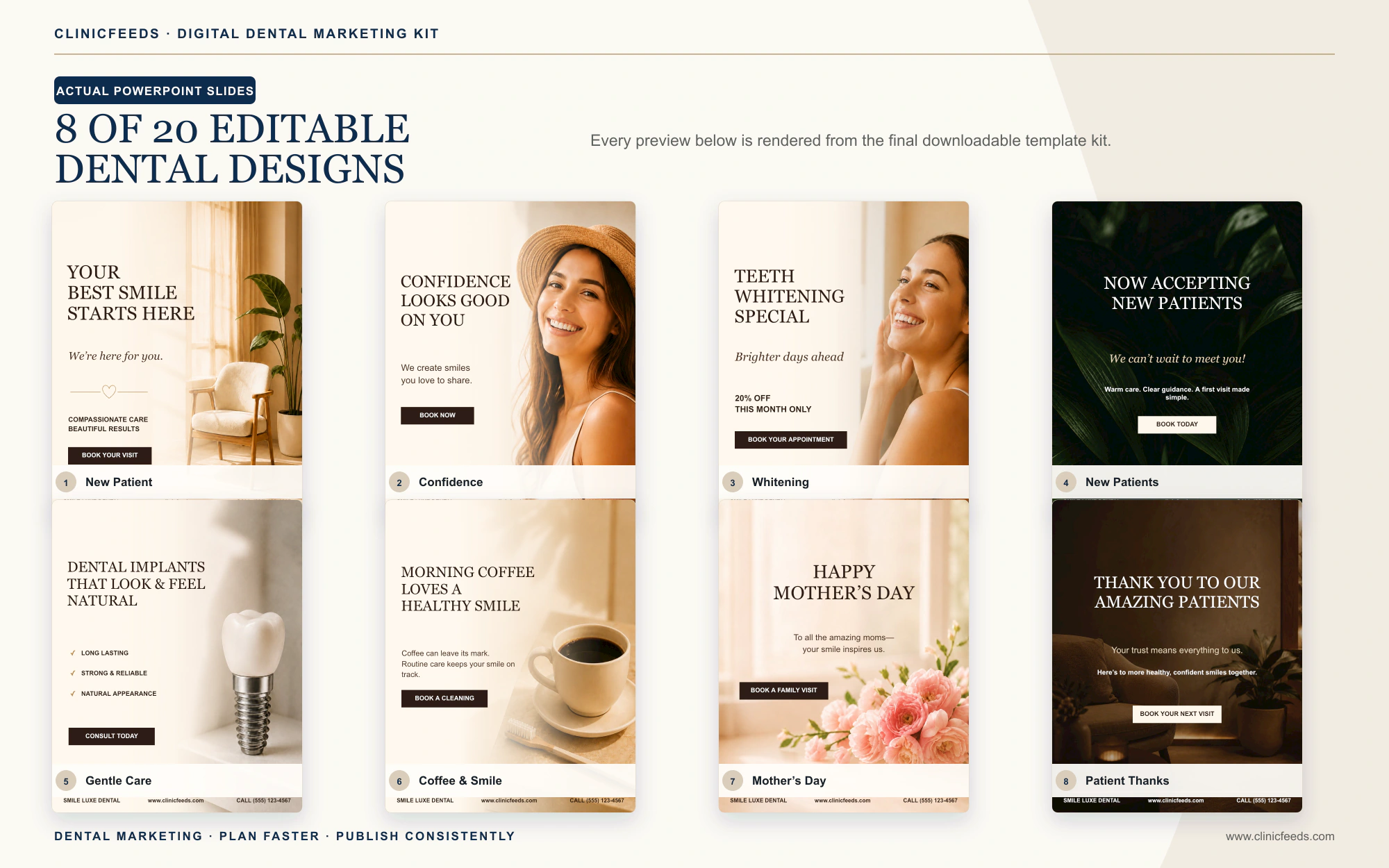
The Dental Social Media Content System organizes editable resources for private practices. The Smile Luxe Dental Social Media Template Kit includes trust, education and campaign layouts that can be customized in PowerPoint.
Frequently Asked Questions
Can A Dental Practice Ask Patients For Google Reviews?
Yes, Google provides a review link and QR-code workflow. Keep the request neutral, voluntary and consistent, and do not offer incentives.
Can The Practice Ask Only Happy Patients?
That creates review-gating risk and an unrepresentative process. Use a consistent rule that does not depend on predicting whether feedback will be positive.
Can A Practice Offer A Discount For A Review?
Do not offer incentives for Google reviews. Use a simple optional request without a reward tied to participation or sentiment.
Should Staff Reply To Every Review?
A consistent response process can be helpful, but every reply must protect privacy. Critical or clinical issues should move to an approved private channel.
Can A Dental Practice Use Review Quotes In Marketing?
Public availability does not automatically resolve consent, privacy, accuracy and endorsement requirements. Obtain appropriate permission and review the proposed use before republishing a quote or identity.
Sources And Review Notes
- Google Business Profile: Tips To Get More Reviews
- Google Business Profile: Improve Local Ranking
- HHS: Dental Practice Online Review Enforcement
- RCDSO: Use of Social Media
Last reviewed: July 23, 2026.