Quick Answer
A dental appointment reminder should identify the practice, state the date and time, give one clear confirmation or rescheduling action and avoid unnecessary health details. The 20 templates below cover routine confirmations, forms, waitlists, late arrivals and missed visits. They are designed to support a consistent front desk workflow—not to replace the privacy, consent and cancellation procedures used by the practice.
Confirmation, Reminder And Recall Are Different Messages
- Confirmation: asks for a definite response about a visit that is already scheduled.
- Reminder: repeats the verified date, time and location shortly before a confirmed visit.
- Recall or dental check-up reminder: invites the patient to contact the practice because another visit may be due; no appointment is implied.
These examples are written for private dental practices in the United States and Canada. Replace every bracketed field, confirm that the communication channel is approved and match the wording to the office’s actual policy.
A Reliable Dental Reminder Formula
Keep each routine message focused on six elements:
- Identity: name the practice so the message has context.
- Timing: state the appointment date, time and time zone when it could be unclear.
- Location: include the address or location name when a practice has multiple offices.
- Action: ask the patient to confirm, call or use the approved link.
- Change route: explain how to reschedule or cancel.
- Privacy restraint: include only the information required for the reminder.
The American Dental Association notes that confirmations should ask for a definite response and that practices should document attempts to reach patients. See the ADA’s appointment confirmation guidance and cancellation guidance.
Adapt The Reminder For Text, Email And Phone
Use the same verified appointment details in every channel, but adjust the length and confirmation action to the communication method approved by the practice.
Dental Appointment Reminder Text Message
Sample: Hi [First Name], this is [Practice Name]. Your appointment is scheduled for [Day, Date] at [Time] at [Location]. Reply [approved response] to confirm or call [Phone] if you need to make a change.
Dental Appointment Reminder Email Sample
Subject: Please confirm your appointment with [Practice Name]
Hello [First Name],
This is a reminder that your appointment is scheduled for [Day, Date] at [Time] at [Location]. Please confirm using [secure link or approved action], or call [Phone] if you need to reschedule.
Thank you,
[Practice Name]
Dental Appointment Confirmation Phone Script
Sample: Hello, this is [Staff Name] calling from [Practice Name]. I’m calling to confirm the appointment scheduled for [Day, Date] at [Time] at our [Location] office. Please call us at [Phone] if you need to make a change.
Dental Recall Text Message Sample
Sample: Hi [First Name], [Practice Name] is reaching out because it may be time to plan your next dental visit. Call [Phone] or request a time at [Link]. Timing and care needs vary by patient.
| Office need | Suggested channel | Existing template |
|---|---|---|
| Booking confirmation | Text or email | #1 or #4 |
| Forms and preparation | Email or secure portal | #6–8 |
| Waitlist opening | Text | #12 |
| Missed visit | Phone or text | #17 |
| Recall invitation | Email or text | #20 |
20 Dental Appointment Reminder Message Templates
Booking And Confirmation Messages
- New booking: Hi [First Name], your appointment with [Practice Name] is scheduled for [date] at [time], [location]. Please reply [approved confirmation word] or call [phone] if you need to change it.
- Appointment request received: We received your request for a dental appointment at [Practice Name]. This is not yet a confirmed time. Our team will contact you by [timeframe] to review availability.
- One-week reminder: A reminder from [Practice Name]: your visit is scheduled for [date] at [time]. Confirm using [approved action]. If your plans have changed, call [phone] as early as possible.
- 48-hour confirmation: Please confirm your appointment at [Practice Name] for [date] at [time]. Reply [approved response] or contact [phone]. Our cancellation policy is available at [link].
- Tomorrow reminder: We look forward to seeing you tomorrow at [time] at [Practice Name], [location]. Need help or directions? Call [phone].
Forms And Preparation Messages
- Forms incomplete: Your appointment is scheduled for [date]. Please complete your secure forms before the visit: [secure link]. Contact [phone] if you need assistance or another format.
- First-visit preparation: Welcome to [Practice Name]. For your visit on [date], please bring [verified items]. Arrive [number] minutes early if the forms are not complete.
- Medication information: Before your appointment, please update the medication and health information requested through [secure portal]. Do not send health details by ordinary text.
- Multiple-location reminder: Your appointment is at our [location name] office: [address]. Please check the location before travelling and call [phone] if you have questions.
- Accessibility check: Your visit is scheduled for [date]. If you require an accessibility accommodation that has not been discussed, contact [phone] before the appointment so our team can review available support.
Rescheduling And Waitlist Messages
- Reschedule requested: We received your request to change the [date] appointment. The original time remains [reserved/not reserved—use the accurate option] until our team confirms a new time. Call [phone] if you need immediate help.
- Earlier opening: An earlier appointment may be available at [Practice Name] on [date] at [time]. Reply [approved response] by [deadline] if you would like our team to confirm it. The time is not held until confirmed.
- Waitlist follow-up: We are checking whether you still want to remain on the [Practice Name] short-notice list. Reply [approved response] or call [phone] to update your preference.
- Office-initiated change: [Practice Name] needs to adjust your appointment on [date]. We apologize for the inconvenience. Please call [phone] so our team can review available alternatives.
- Weather or disruption: Due to [verified disruption], [Practice Name] is [open/closed/operating on adjusted hours] on [date]. We will contact affected patients about next steps. Current updates: [link].
Late Arrival And Missed-Visit Follow-Up
- Late-arrival check: Your appointment at [Practice Name] was scheduled for [time]. Please call [phone] now if you are on the way. The clinical team will confirm what can still be completed today.
- Missed appointment: We missed you today at [Practice Name]. Please call [phone] when you are ready to review rescheduling options. Any applicable policy will be explained by our team.
- Unconfirmed visit: We have not received confirmation for your appointment on [date] at [time]. Please contact [phone] by [deadline] so we can review the booking status with you.
- Follow-up recommended: Our records show that a follow-up was recommended, but no appointment is currently scheduled. Contact [Practice Name] at [phone] to discuss available options. This message is not a diagnosis or emergency service.
- Recall invitation: Ready to plan your next dental visit? Contact [Practice Name] at [phone] or request a time at [link]. Appointment needs and timing vary by patient.
Choose Timing That Fits The Practice
A common sequence uses a confirmation when the appointment is made, another message several days before the visit and a short reminder closer to the appointment. The optimal timing depends on lead time, patient preference, the type of appointment and the office’s ability to respond.
Do not add more messages simply because automation makes them easy to send. Every message should have a purpose, and the team must be able to process confirmations, questions and change requests created by that message.
Build A Front Desk Reminder Workflow
- Record communication preference and consent. Use the practice’s approved process and keep it current.
- Define confirmed versus requested. Staff and automation should use the same language.
- Assign response queues. Decide who owns text replies, voicemail, form submissions and failed deliveries.
- Use a consistent status. Mark confirmed, reschedule requested, unreachable and cancelled appointments in the scheduling system.
- Escalate exceptions. Clinical questions, urgent concerns and privacy-sensitive replies should not stay in a general reminder queue.
- Review results monthly. Track confirmation response, late changes and no-shows without blaming patients or exposing personal information.
When a reminder reply becomes a scheduling, insurance or first-visit conversation, use the dental office phone script for new patient calls to keep the handoff consistent.
Common Reminder Mistakes
- Sending the wrong date, location or patient name because systems are not synchronized.
- Using a reply keyword that no one monitors.
- Including procedure details that are unnecessary for a basic reminder.
- Threatening fees in every message instead of linking to a clear, consistently applied policy.
- Treating an unconfirmed automated reply as a completed reschedule.
- Sending repeated reminders after the patient has already cancelled or changed the appointment.
- Using email, SMS or direct messaging without reviewing privacy, consent and opt-out requirements.
US And Canada Review Notes
In the United States, appointment reminders can involve protected health information, so practices should use the safeguards, vendors and communication procedures approved for their HIPAA obligations. In Canada, federal and provincial privacy rules may apply depending on the practice and location. Obtain appropriate advice for the channels, consent and information used by your office.
Keep public social posts general. A practice should not tag a patient, confirm their appointment or answer a personal health question in a public comment. The RCDSO social media guidance is a useful example of regulator expectations around privacy and professional conduct.
Connect Reminders With The Wider Content Plan
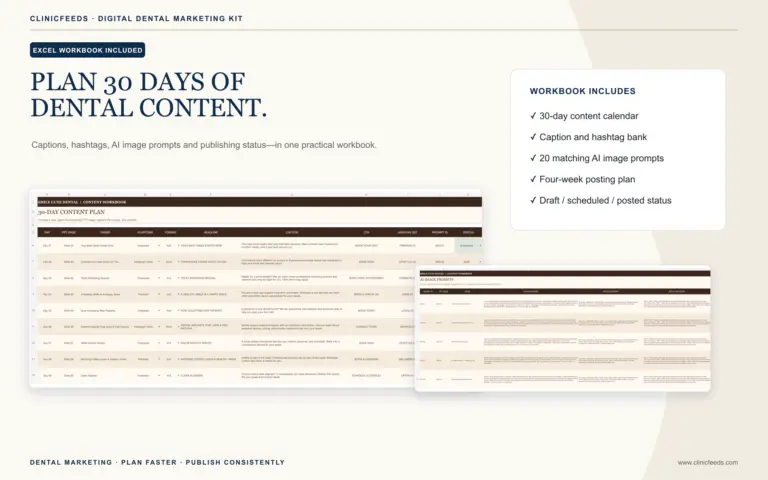
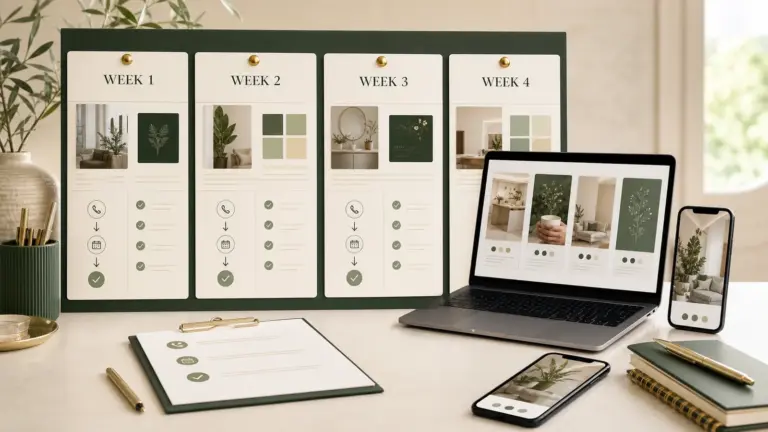
Appointment reminders are operational messages; social content supports awareness and preparation at a broader level. Use the dental social media content calendar guide to plan general first-visit education, office-hour updates and seasonal scheduling prompts. The Dental Social Media Content System connects those topics with editable resources.
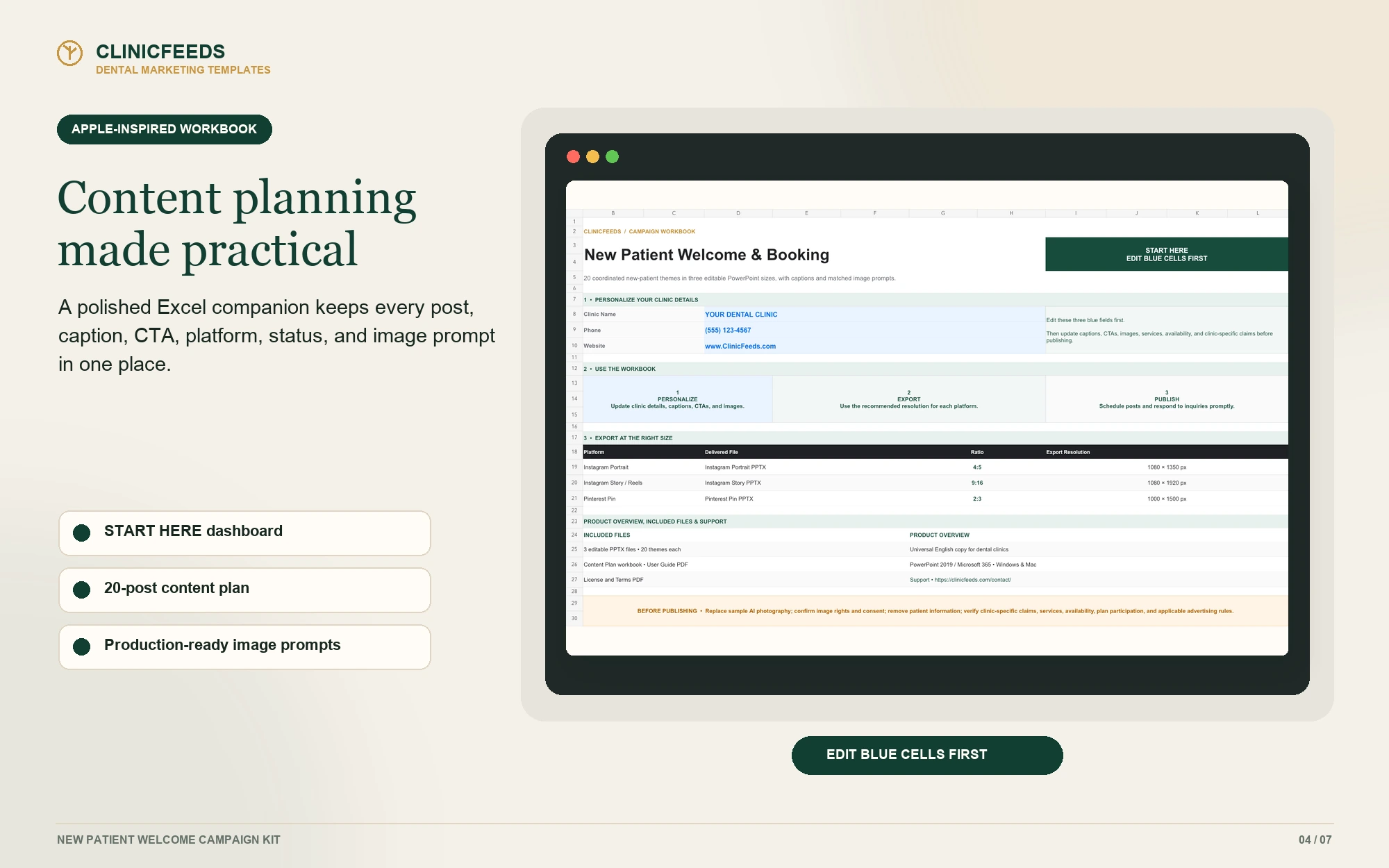
If the patient is new to the practice, pair the reminder workflow with these new patient welcome messages and the New Patient Welcome Campaign Kit.
Frequently Asked Questions
What Should A Dental Appointment Reminder Say?
State the practice name, date, time, location and one confirmation or change action. Add only the preparation details the patient actually needs.
How Many Appointment Reminders Should A Dental Office Send?
There is no universal number. Use the fewest messages that reliably support confirmation and preparation, then review response and no-show data for the practice.
Can A Patient Reschedule By Replying To A Text?
Only if the practice’s system and workflow support that action. A reply should not be treated as a completed change until the new time is confirmed.
Should The Procedure Name Appear In The Reminder?
Include only information necessary for the communication and permitted by the practice’s privacy process. A basic reminder often does not need detailed treatment information.
Can Reminder Templates Be Used For Recall Messages?
Yes, but distinguish a recall invitation from a confirmed appointment. Say that the patient can contact the office to discuss timing rather than implying that a visit is already scheduled.
Can These Dental Reminder Templates Be Used For Email?
Yes. Expand the relevant template with a clear subject line, practice signature, contact details and only the information permitted by the practice’s privacy process.
What Should A Dental Recall Text Message Say?
Identify the practice, invite the patient to contact the office and avoid implying that an appointment is already scheduled. Do not include unnecessary treatment or health information.
Sources And Review Notes
- American Dental Association: Appointment Confirmations
- American Dental Association: Cancellations
- RCDSO: Use of Social Media
Last reviewed: August 4, 2026.