Quick Answer
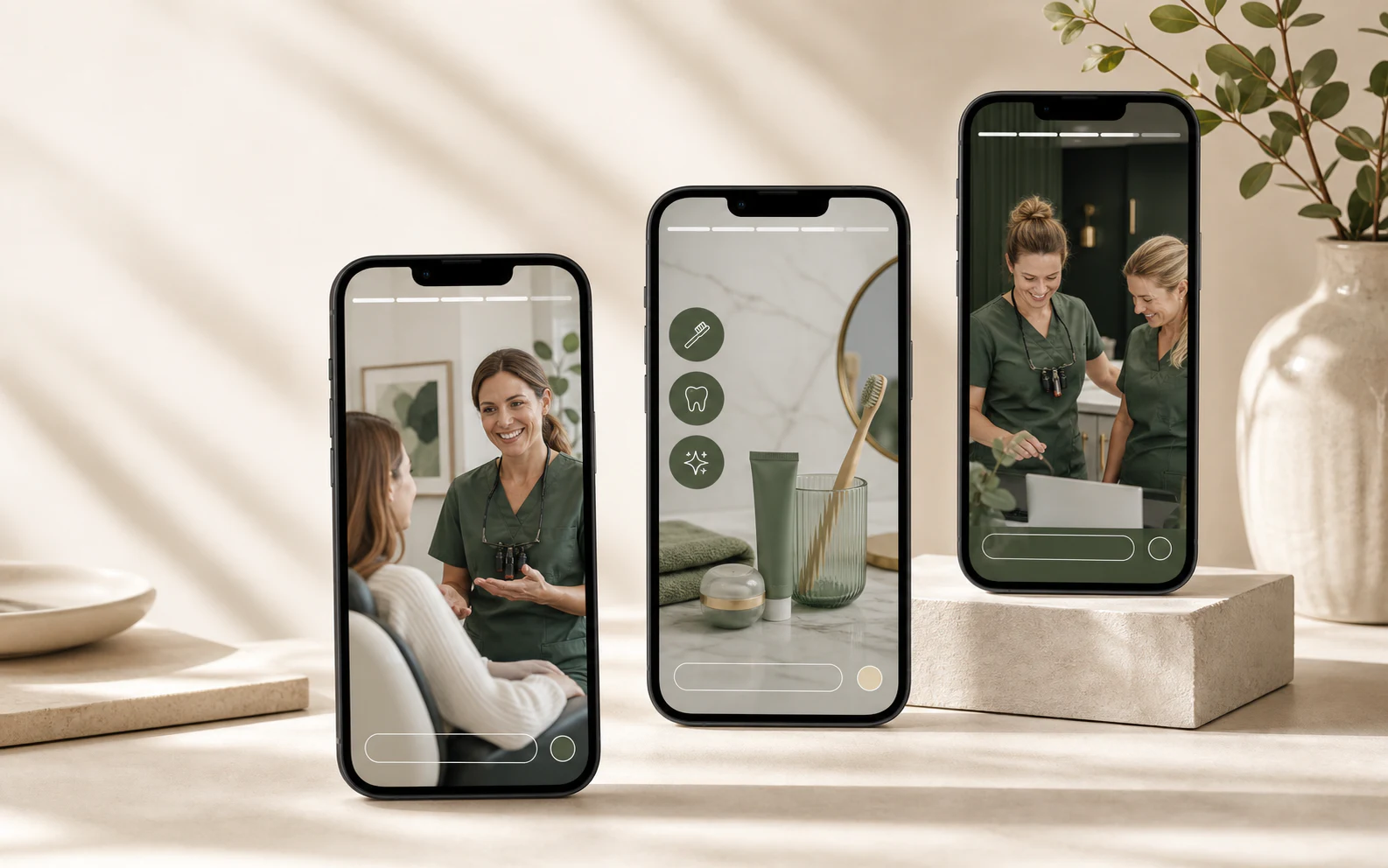
The most useful dental Instagram Story ideas begin with a question patients already ask. Build each idea as a short sequence: the first frame earns attention, the second gives enough context to be useful, and the third offers one sensible next step.
That is different from shrinking a feed post into a vertical canvas. A Story has movement. One frame creates a reason to continue; the next resolves the question. If all three frames could be shuffled without changing the meaning, the sequence probably needs a stronger edit.
A Three-Frame Story Is Easier To Follow Than A Poster
Small private practices do not need a daily video studio. They need a repeatable way to turn real clinic knowledge into clear mobile content. Use this simple editorial test:
- Frame 1 — Hook: Name the situation in language a patient would use.
- Frame 2 — Context: Give one verified explanation, checklist or behind-the-scenes detail.
- Frame 3 — Action: Invite an appropriate next step: read, save, reply, call or request an appointment.
Do not force a booking link onto every Story. Sometimes the right action is “save this before your visit” or “send us a private question.” Use a link sticker when the destination page genuinely continues the topic; Instagram says an organic Story can use a link sticker to send viewers to a website.
20 Dental Instagram Story Ideas Built For Three Frames
1. What Happens At A First Visit?
Open with the question new patients ask most often. Follow with the two or three parts your practice can confirm—perhaps a conversation, appropriate examination and time for questions. End with a link to the current first-visit page, not a generic homepage.
2. What Should A New Patient Bring?
Use the first frame as a calm “Before you arrive” note. The second can show the identification, forms, medication information or insurance details your office actually requests. The final frame should remind viewers that requirements vary by appointment and link to the full instructions.
3. Meet The Person Who Answers The Phone
Do not introduce only dentists. A short front-desk Story can reduce uncertainty before a first call. Show an approved portrait, explain what the coordinator helps with, then tell viewers the best verified way to contact the practice.
4. New To The Area?
Start with a familiar local moment rather than “Now accepting new patients.” Mention the neighbourhood or city, give one practical detail such as parking or transit, and finish with an accurate statement about whether the clinic is accepting appointment requests.
5. One Question To Ask Before Booking
Choose a question that helps people make a better decision: accessibility, language support, emergency arrangements or financial policies. Answer only for your practice. The third frame can direct viewers to the relevant information page or private contact route.
6. A Two-Minute Home-Care Reminder
Use one clinically reviewed habit rather than a crowded list. Frame one identifies the moment—“Before bed tonight.” Frame two demonstrates or explains the habit. Frame three suggests saving the Story or discussing personal needs with the dental team.
7. What To Notice About Sensitivity
A Story should not diagnose. Ask viewers to notice when sensitivity happens, what seems to trigger it and how long it lasts. Then explain that those details can support a conversation with a dental professional. Keep personal health information out of replies and public mentions.
8. Floss, Interdental Brush Or Water Flosser?
Show the tools side by side, explain that they serve different needs, and resist declaring one universal winner. The final frame can invite viewers to ask what suits their own care plan at a future visit.
9. Myth, Pause, Explanation
Put a familiar claim on frame one, but do not use a misleading cliffhanger. Frame two should give the evidence-reviewed answer in plain language. Frame three can link to a fuller patient education resource. One supported myth is more useful than five superficial ones.
10. Save This Before Your Child’s Appointment
Build a parent-friendly preparation sequence: what the practice recommends discussing at home, what to bring and how to share concerns privately. Avoid promises about how every child will respond. Use the final frame as a saveable checklist.
11. The Quiet Work Before The First Patient
Show a real, non-patient area during morning setup. A second frame can explain one routine that supports an orderly day. Before publishing, inspect screens, schedules, labels and paperwork in the background. End with a human note from the team rather than a sales line.
12. Meet The Team By Role
Instead of a row of headshots, follow one patient question through the team. Who helps with scheduling? Who prepares the room? Who reviews clinical options? Use accurate titles and approved images, then link to the practice team page.
13. Why We Explain Options This Way
Frame one can show the consultation space. Frame two describes the practice’s real process—assessment, questions, discussion of alternatives and informed choice. Frame three invites people to bring questions. Avoid “best,” “advanced” or “pain-free” unless the wording is supportable and permitted.
14. A Small Clinic Detail Patients Appreciate
Feature something genuinely useful: a quieter waiting option, an accessible entrance, language assistance or a clear check-in process. Explain who it helps and how to request it. This is stronger trust content than a vague claim that the clinic “cares.”
15. A Team Answer To This Week’s Most Common Question
Ask the front desk which non-private question came up repeatedly this week. Record a concise answer from the right team member, add a text summary for viewers watching without sound, and save recurring answers for a future FAQ Highlight.
16. What A Whitening Consultation Covers
Start with suitability, not a dramatic result photo. Explain that a consultation may cover goals, oral health, available approaches, timing and sensitivity. Close with patient-specific language: options and outcomes vary, and an assessment is required.
17. Clear Aligner Questions Worth Bringing
Give viewers three useful questions across the sequence: assessment and alternatives, follow-up, and retention. Do not imply that every viewer is a candidate. Link to the clinic’s own aligner information only if the service is current and the page answers those questions.
18. One Stage Of Implant Planning
Do not compress a complex service into “three easy steps.” Choose one stage—initial assessment, records, treatment planning or maintenance—and explain what the patient may want to ask. The third frame should lead to a detailed, reviewed service page.
19. An Offer With The Terms In View
If offers are permitted, frame one states the service and headline value. Frame two carries the meaningful eligibility, exclusions and end date in readable type. Frame three explains how to request an appointment and that availability is confirmed by the practice. Do not hide conditions behind “DM for details.”
20. A Timely Clinic Update
Use Stories for information that matters now: weather closures, holiday hours, parking changes or a temporary phone issue. Put the status first, the exact date and time second, and the verified contact route third. Save only information that remains useful after the update ends.
Three Complete Storyboards To Adapt
First-Visit Storyboard
Frame 1: First dental visit at [Practice Name]? Here is what happens before you arrive.
Frame 2: Complete [verified form], bring [verified items], and tell our team privately about any access or communication needs.
Frame 3: Review the current first-visit guide. Appointment requests are confirmed by our team. [Link sticker]
Patient-Education Storyboard
Frame 1: Tooth sensitivity this week? Notice the pattern before guessing the cause.
Frame 2: Write down when it happens, what triggers it and how long it lasts.
Frame 3: Share personal details directly with your dental team—not in Story replies. Contact [Practice Name] if you are concerned.
Team-Trust Storyboard
Frame 1: Who helps before you meet the dentist?
Frame 2: Meet [Name], our [accurate role]. [Name] helps with [specific responsibilities].
Frame 3: Questions about a visit? Here is the best way to reach our team: [verified contact route].
Build Stories From The Front Desk, Not A Blank Calendar
A useful weekly process can take less than 20 minutes. Ask the coordinator for one repeated question, one current operational update and one service topic the clinical team is prepared to review. Choose just one for the next Story sequence.
| Owner | What They Confirm | Handoff |
|---|---|---|
| Front desk | The exact question, current hours, contact route and appointment wording | A plain-language brief |
| Clinical reviewer | Health information, limitations and patient-specific caveats | Approved key points |
| Content owner | Three-frame flow, image rights, link and mobile readability | Scheduled Story |
| Practice manager | Claims, offer terms, consent and final accountability | Publish approval |
This workflow keeps the content close to real operations. It also gives the team a record of who checked information that could change.
Use Interactive Stickers With A Job To Do
Instagram currently offers Story stickers that may include polls, questions, quizzes, emoji sliders, links, locations and mentions, although Meta notes that not every sticker is available to every account or in every region.
- Poll: choose the next general education topic, not a patient’s treatment.
- Question: collect non-private questions for a future FAQ. Add a reminder not to submit health information.
- Link: continue a first-visit, service or patient education topic on the matching website page.
- Location: support wayfinding when the practice location is accurate and current.
- Countdown: use for a verified event or deadline, not artificial urgency.
A sticker should make the next action clearer. If it merely decorates the frame, leave it out.
Turn Useful Stories Into A Small Highlight Library
Instagram Stories normally disappear after 24 hours, while Stories added to Highlights can remain visible until removed. That makes Highlights a practical home for information that new patients may need more than once.
- First Visit: preparation, forms, parking and what to expect.
- Services: high-level, reviewed explanations—not a menu of promises.
- Team: roles, communication and real clinic routines.
- FAQ: recurring non-private questions with current answers.
- Updates: only if the information remains current; remove expired offers and temporary notices.
Review Highlights quarterly. A polished cover does not make outdated hours or an expired promotion useful.
Design The 9:16 Frame For A Phone
ClinicFeeds dental kits include 20 dedicated 9:16 Story/Reels layouts at 1080 × 1920 pixels. Work from that PowerPoint file rather than stretching a 4:5 feed export.
- Choose one sequence and duplicate three related layouts.
- Replace every sample image with clinic-owned, patient-authorized or properly licensed media.
- Keep one message per frame and use type that remains readable on a phone.
- Leave breathing room near the top and bottom where Story interface elements or stickers may compete with the design.
- Export each slide as PNG or JPG and review the sequence on an actual phone before posting.
- Add link, poll or question stickers inside Instagram after the visual is uploaded.
For feed planning and caption structure, use the separate guides to what a dentist should post on Instagram and dental Instagram captions. Stories should feel connected to that content, not copied from it.
Measure Whether The Sequence Helped
Instagram provides Story insights for eligible accounts. Current reporting can include accounts reached and interactions such as replies, shares, sticker taps and link taps. Availability and labels can change, so read the metrics shown in the practice’s own professional dashboard.
Review the whole sequence, not only the first frame:
- Did the intended audience reach the explanatory frame?
- Did a question, poll or link create a useful interaction?
- Did the front desk receive a clearer inquiry tied to the topic?
- Should the sequence become a Highlight, be revised or be allowed to expire?
A high view count is not the same as an appointment. The practical signal is whether the Story helped people understand, prepare or take the next appropriate step.
US And Canada Publishing Review
This is practical marketing guidance, not legal advice. In the United States, the American Dental Association reminds practices that social media does not remove privacy, ethics or advertising obligations. The Federal Trade Commission requires advertising claims to be truthful and non-misleading.
Canadian requirements vary by province. The Royal College of Dental Surgeons of Ontario notes that consent for one use of an image does not automatically authorize another use or platform. Confirm the rules that apply to the clinic and the intended audience.
- Have clinical education reviewed by a qualified member of the practice.
- Do not diagnose viewers or invite personal health details through public Story interactions.
- Use patient images, testimonials and treatment information only with appropriate authorization for the intended channel and purpose.
- Keep offer terms readable and avoid guaranteed outcomes or unsupported superiority claims.
- Confirm clinician titles, services, hours, locations and booking availability before posting.
- Review automated replies and saved Highlights when information changes.
Use These Ideas With ClinicFeeds Templates
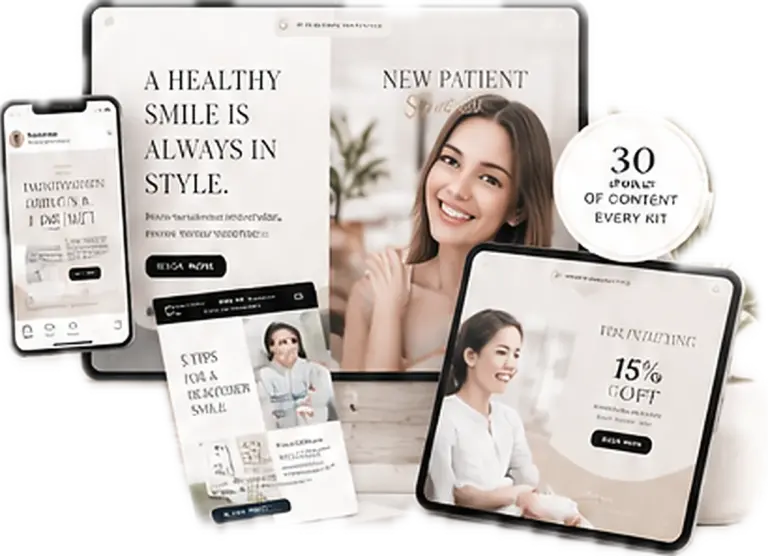
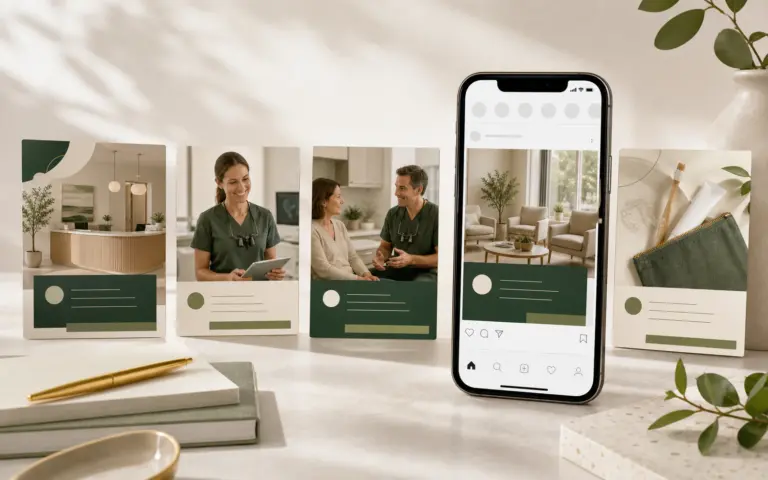
The Smile Luxe Dental Social Media Template Kit includes 20 editable 9:16 Story/Reels pages, 20 matching 4:5 feed pages and 20 matching 2:3 Pinterest pages. It also includes an Excel content planner, captions, hashtags, AI image prompts and PDF guides.
For first-visit sequences, the New Patient Welcome Campaign Kit includes matching Story layouts for team introductions, appointment preparation, what to bring and booking prompts. Explore the broader Dental Social Media Content System or build the monthly workflow with the dental social media content calendar guide.
Frequently Asked Questions
What Should A Dentist Post On Instagram Stories?
A dentist can share first-visit preparation, patient education, team introductions, real clinic routines, service questions, timely office updates and clearly described offers. Each sequence should answer one question and offer one appropriate next step.
How Many Frames Should A Dental Story Use?
Three frames are a useful starting point: hook, context and action. Use fewer when a current update needs only one clear screen, or more when the explanation genuinely requires it. Do not add frames simply to increase taps.
Can A Dental Practice Use A Link Sticker?
Instagram supports link stickers in organic Stories. Link to the page that continues the exact topic, such as a first-visit guide or reviewed service page, and check the destination on mobile before publishing.
Should Dental Stories Be Saved As Highlights?
Save durable information such as first-visit guidance, team introductions and current FAQs. Temporary closures, expired offers and outdated details should be removed or allowed to expire.
Can A Clinic Reuse A Feed Post In Stories?
The topic can be reused, but rebuild it as a 9:16 sequence. A feed post usually presents one static message; a Story should guide the viewer from a question to context and a next step.
Can Patients Submit Questions Through A Story?
Yes, when the sticker is available, but ask for general questions and clearly discourage personal health information. Move patient-specific communication to the practice’s approved private channel.
Do Instagram Stories Need Captions?
Use concise on-screen text so the message still makes sense without sound. If a team member speaks on video, add accurate captions and keep important text away from interface elements.
Sources And Review Notes
- Instagram Help Center: How Long Instagram Stories Remain Visible
- Instagram Help Center: Add A Story To Story Highlights
- Instagram Help Center: Link Stickers In Instagram Stories
- Instagram Help Center: Using Stickers On Instagram
- Instagram Help Center: View Insights On Instagram Stories
- American Dental Association: Marketing And Advertising
- American Dental Association: Social Media Policies For Dentists
- Federal Trade Commission: Advertising And Marketing
- RCDSO: Use Of Social Media
Last reviewed: July 24, 2026.